VR for flight sim: what matters in a headset
A VR headset puts you in the left seat: you look down at the throttle, out at the runway and over your shoulder at the wing, with a real sense of depth. Spec sheets, though, are full of figures that do not all matter the same way in a cockpit. This guide sorts them out for flight sim, using the official specs of the 12 headsets we compare and US prices checked on October 29, 2026 at official stores.
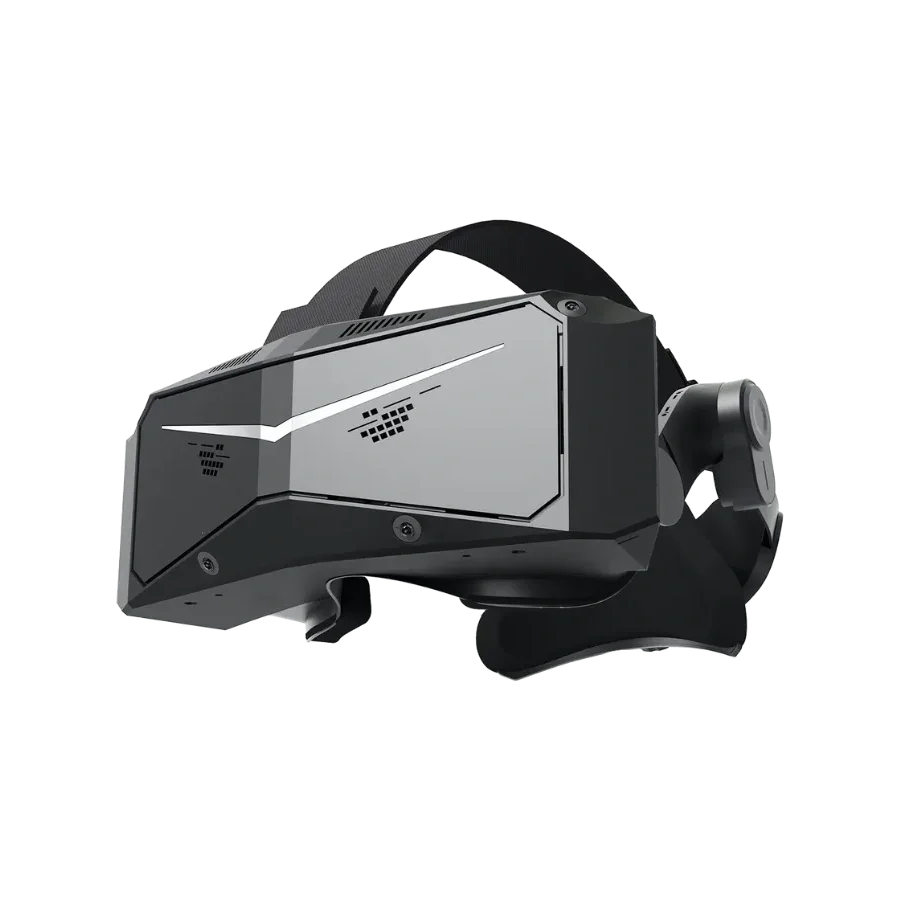
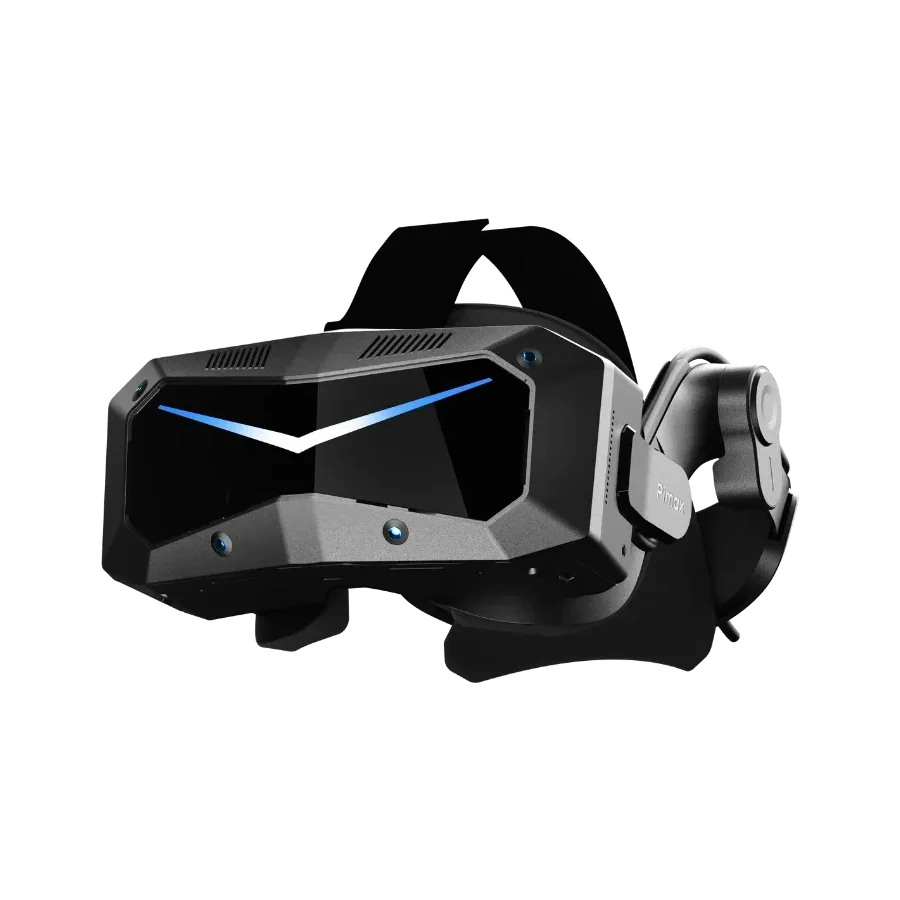
Pimax Crystal Light9.0/10See the review
Instrument clarity: pixels per degree
In a cockpit, most of what you need to read is small and close: the altimeter tape, the frequency on the radio, the label of a switch on the overhead panel, the text on a moving map. On a monitor you zoom in. In VR you lean in, and how often you have to do it depends on one figure: the pixels per degree (PPD), the number of pixels that cover one degree of your view. A high resolution spread over a very wide field of view can end up less sharp than a lower resolution over a narrower one.
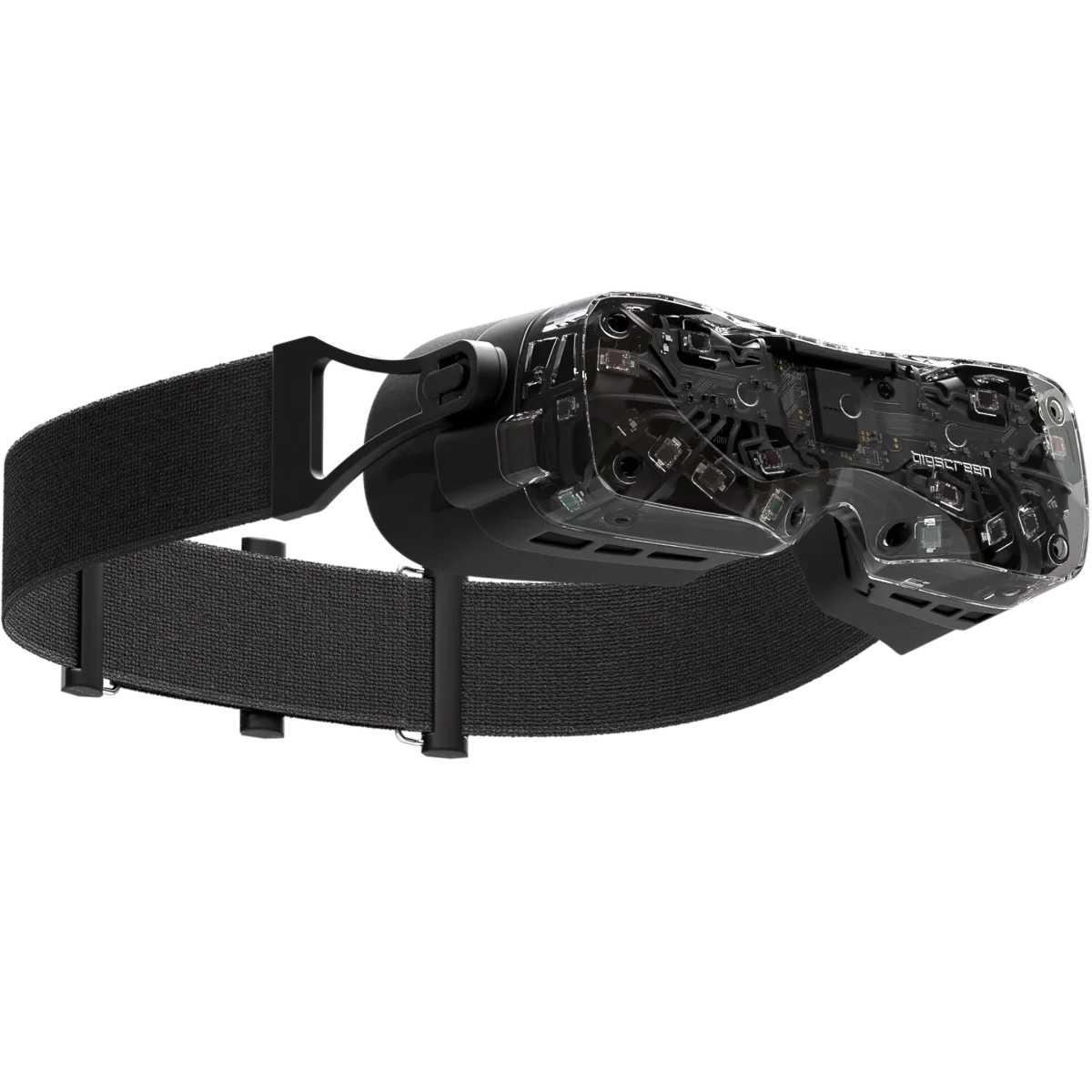
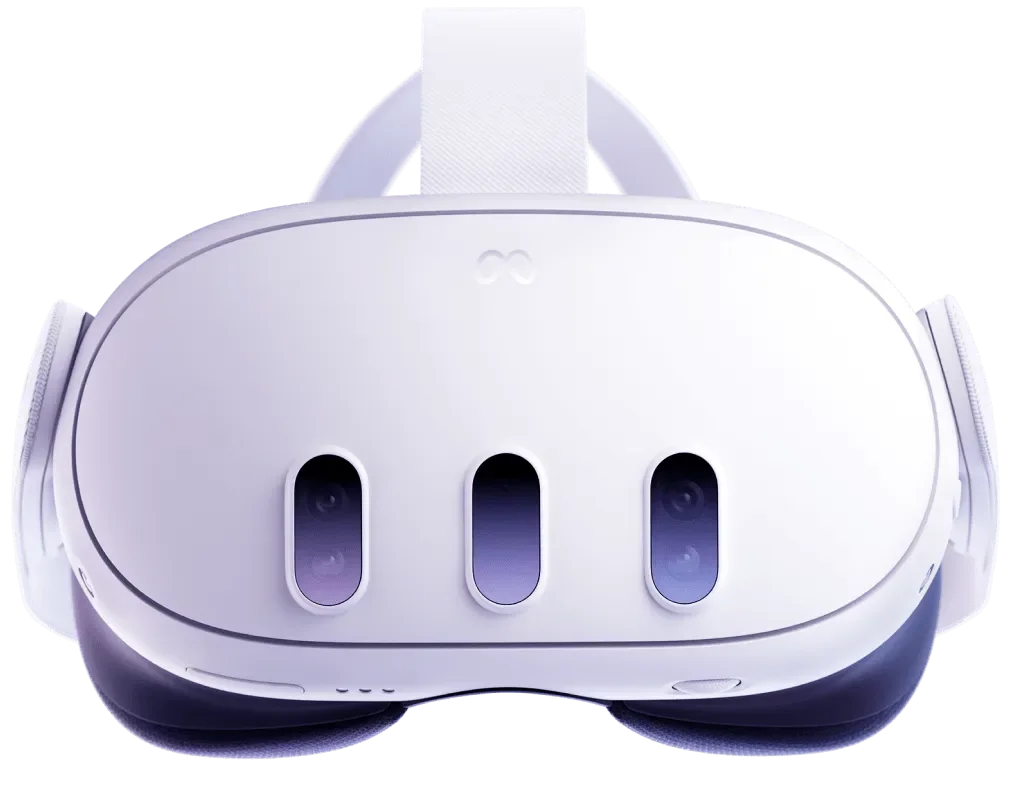
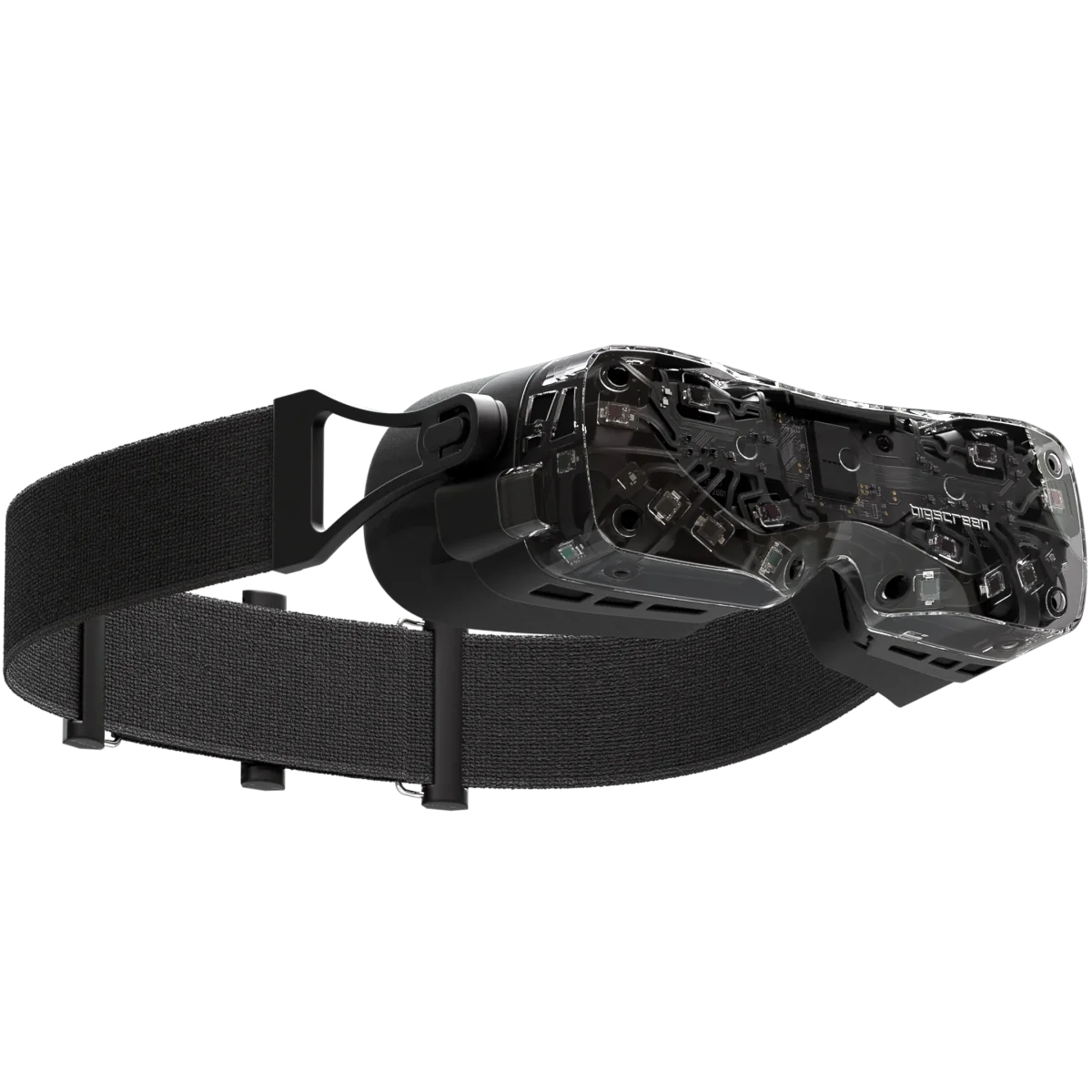
Not every manufacturer publishes PPD. Among those that do, the Meta Quest 3S states 20 PPD, the Meta Quest 3 25 PPD, the Bigscreen Beyond 2 and Beyond 2e 32 PPD at their peak, the Pimax Crystal Light 35 PPD, the Pimax Dream Air and the Crystal Super 8K Micro-OLED 53 PPD, and the 57 PPD optical engine of the Pimax Crystal Super 57 PPD. Pimax itself recommends that 57 PPD engine for flight sims.
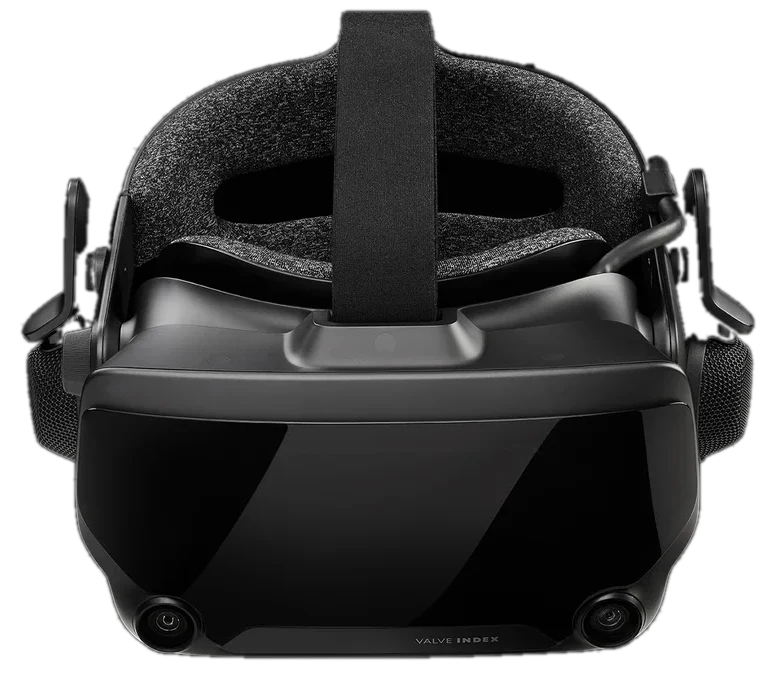
When the PPD figure is missing, the resolution per eye is the next best clue: 1440 x 1600 for the Valve Index, 2160 x 2160 for the Valve Steam Frame, 2448 x 2448 for the HTC VIVE Focus Vision and 2560 x 2560 for the Pimax Dream Air SE, according to their spec sheets. Our methodology scores PPD first and falls back on the resolution per eye, on a scale anchored to headsets that publish both figures. Clarity carries 25% of the VR score, the largest single weight.
Field of view: scanning the cockpit and the sky
The horizontal field of view decides how much you see without turning your head: the whole glareshield at once, the wingtip on a turn to final, traffic at your ten o'clock. Manufacturers that state the horizontal value give between 96 degrees (Meta Quest 3S) and 116 degrees (Pimax Crystal Super 8K Micro-OLED) in our selection, with 108 degrees for the Bigscreen Beyond 2 and 110 degrees for the Meta Quest 3, the Pimax Crystal Light and the Pimax Dream Air. Pimax highlights that 110-degree view on the Dream Air for keeping an eye on the instruments.
The Pimax Crystal Super makes the trade explicit with swappable optical engines sold at the same price: Pimax lists 106 degrees for the 57 PPD engine, 127 degrees for the 50 PPD engine and 140 degrees for the Ultrawide engine. A wider view helps in a fighter or a glider where you look around constantly; a sharper one helps in an airliner where you read the panel all flight.
OLED or LCD for night flying
Night is where display technology shows in a flight sim: a dark cockpit lit only by its instruments, runway lights on approach, stars above the clouds. OLED and micro-OLED pixels emit their own light and switch off completely, which gives deep blacks. Mini-LED and QLED panels use a backlight split into local dimming zones, about 2,000 on the Pimax Crystal Super according to Pimax. Plain LCD panels light the whole screen from behind, so blacks look gray in the dark.
- OLED or micro-OLED: Bigscreen Beyond 2 and 2e, Pimax Dream Air, Pimax Dream Air SE, Pimax Crystal Super 8K Micro-OLED.
- QLED with mini-LED local dimming: Pimax Crystal Light and Pimax Crystal Super (QLED).
- LCD: Meta Quest 3, Meta Quest 3S, Valve Steam Frame, Valve Index, HTC VIVE Focus Vision.
Pimax recommends its Crystal Super micro-OLED engine for night flying and space sims. Our score gives the top mark to OLED, then mini-LED, then LCD, for 15% of the total. It does not measure brightness, color or lens glare, which no spec sheet states in a comparable way.
DisplayPort or streaming
How the image reaches the headset matters as much as the panel. A wired PC VR headset takes the video signal from the graphics card over DisplayPort. Standalone headsets have their own processor and play apps on their own; for a PC flight sim they receive a video stream that the PC compresses and sends over Wi-Fi or a USB cable.
| Connection | Headsets in our selection | What it means for flight sim |
|---|---|---|
| Native DisplayPort | The five Pimax headsets, Bigscreen Beyond 2 and 2e, Valve Index | No video compression; a cable from the PC to the headset |
| DisplayPort through a kit | HTC VIVE Focus Vision (VIVE Wired Streaming Kit, $189, sold separately) | Wired mode on a standalone headset |
| Compressed streaming | Meta Quest 3 and 3S (Link cable or Air Link), Valve Steam Frame (Wi-Fi 6E adapter included) | No cable to the PC with Wi-Fi, but small cockpit text can soften |
Microsoft Flight Simulator runs VR through OpenXR, and X-Plane 12 has native VR, according to their publishers: both work with wired and streamed headsets, as long as the headset runtime is set up. Our score ranks native DisplayPort first, a DisplayPort kit next and streaming last, for 15% of the total. See the ranking of PC VR headsets for flight sim for the full order.
Eye tracking and foveated rendering
Your eyes only see sharply in a small area at the center of your gaze. Eye tracking lets the software render that area at full quality and the rest at a lower one: this is dynamic foveated rendering, and it can free up a lot of GPU power in a heavy sim. Headsets without eye tracking can still use fixed foveated rendering, which lowers quality toward the edges of the lenses; Pimax uses it on the Crystal Light (FFR 2.0).
Eye tracking is built into the Pimax Crystal Super (both engines), the Dream Air and Dream Air SE, the Bigscreen Beyond 2e, the Valve Steam Frame (for eye-tracked foveated streaming, according to Valve) and the HTC VIVE Focus Vision. The Crystal Light, the Beyond 2, the Meta Quest 3 and 3S and the Valve Index do not have it.
The benefit depends on the sim. Laminar Research says X-Plane 12.4.3 adds eye-gaze driven variable rate shading for OpenXR headsets that expose eye tracking, and lists the Beyond 2e among the headsets it tested; it also notes that the Meta Quest does not enable these features for PC use. Eye tracking carries 5% of our score: useful, but it does not replace a sharp panel.
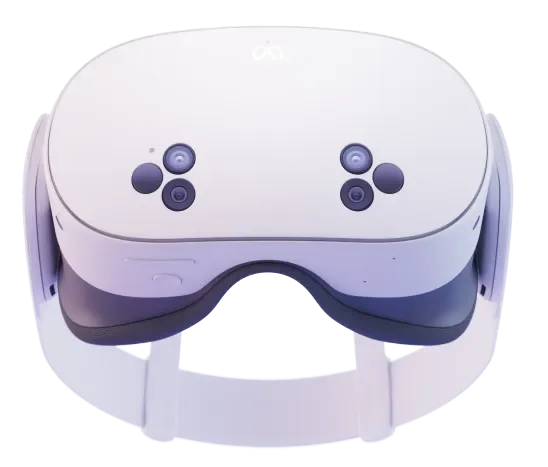
Meta Quest 3S8.2/10See the review
Weight and comfort on long flights
A short hop in a light aircraft lasts twenty minutes; a long-haul flight can keep the headset on your face for hours. Stated weights vary a lot, but they do not always measure the same thing:
- Bigscreen Beyond 2 and 2e: 107 g, headset only, without the strap or cable.
- Pimax Dream Air SE: under 140 g, and Pimax Dream Air: under 170 g, headset only (upper values stated by Pimax).
- Valve Steam Frame: 440 g with the battery strap, 185 g for the core module alone.
- Meta Quest 3S and Quest 3: 514 g and 515 g without the facial interface, battery included.
- Pimax Crystal Light: 815 g, without saying whether the strap is included.
- Not published: Pimax Crystal Super, HTC VIVE Focus Vision, Valve Index.
Light headsets such as the Beyond 2 move the battery and processing off your head, which is why they need a cable and a PC. Weight counts for 5% of our score; when a figure is missing, the criterion is removed rather than guessed.
Cockpit and VR: flying controls you cannot see
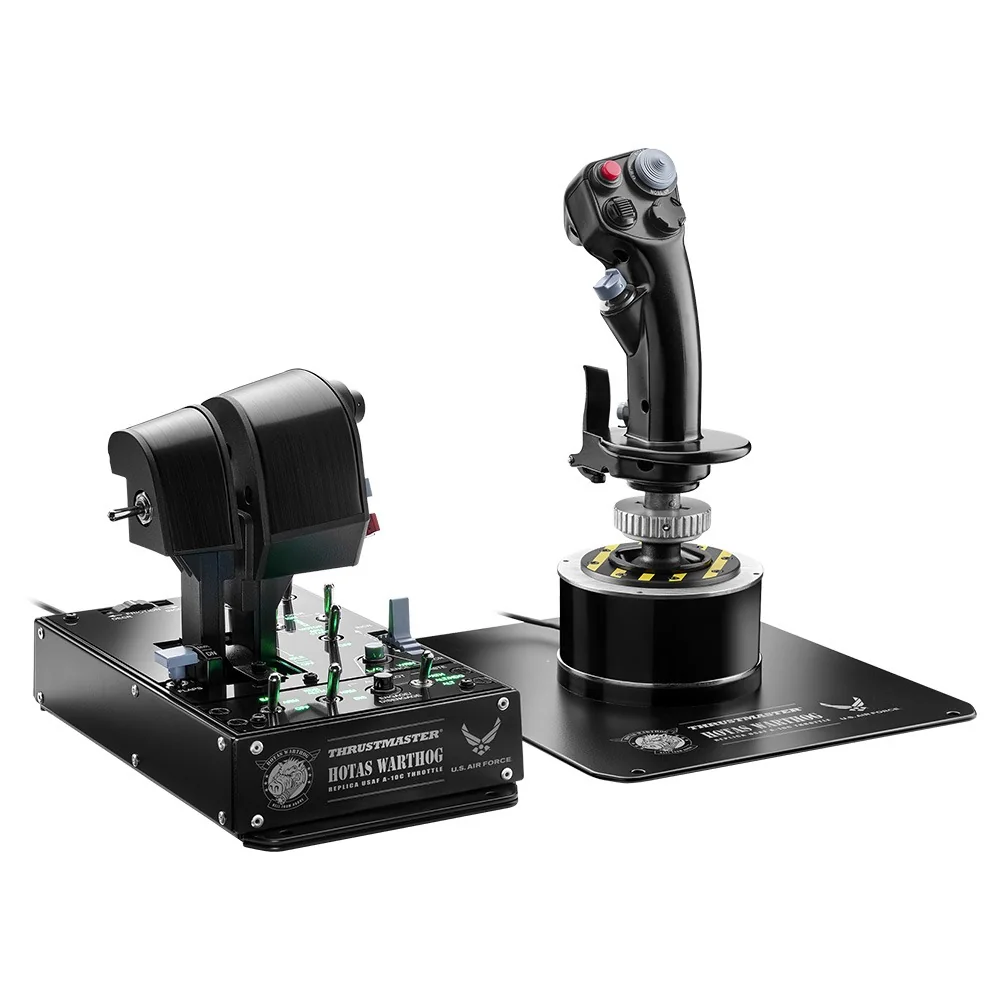
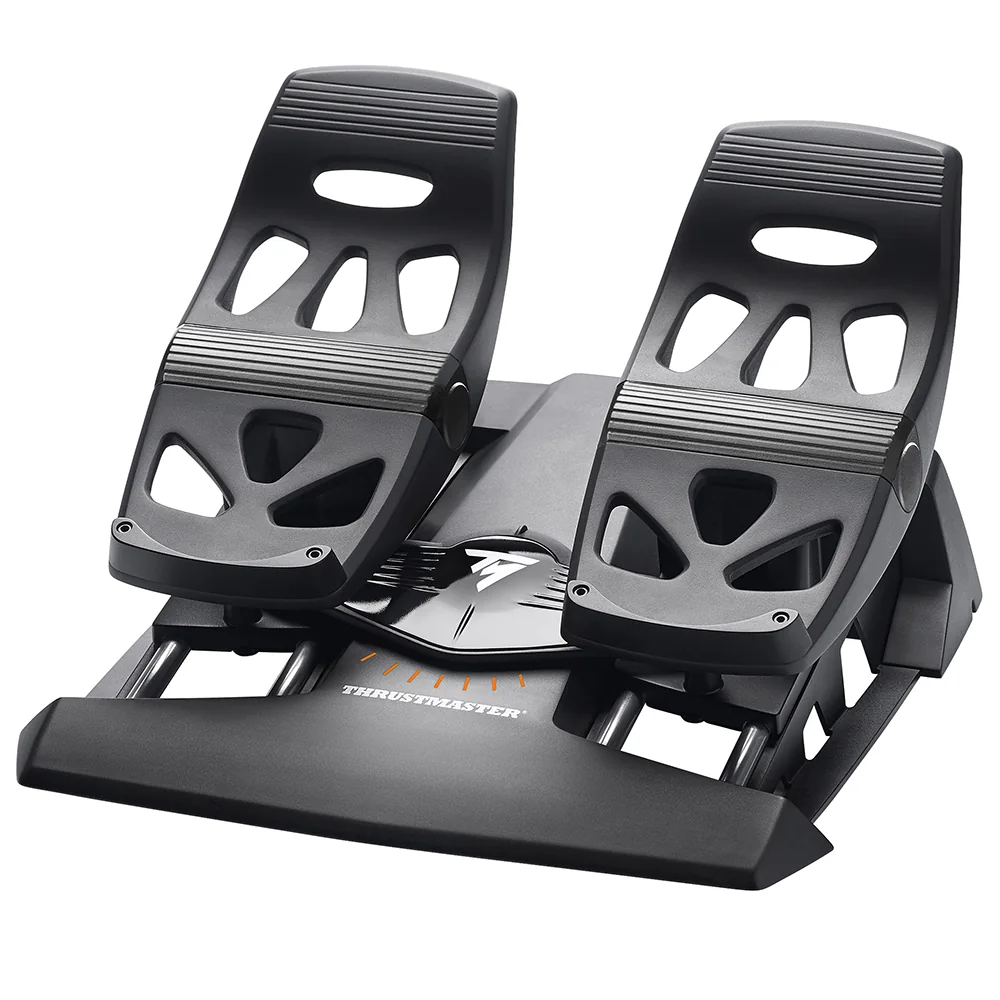
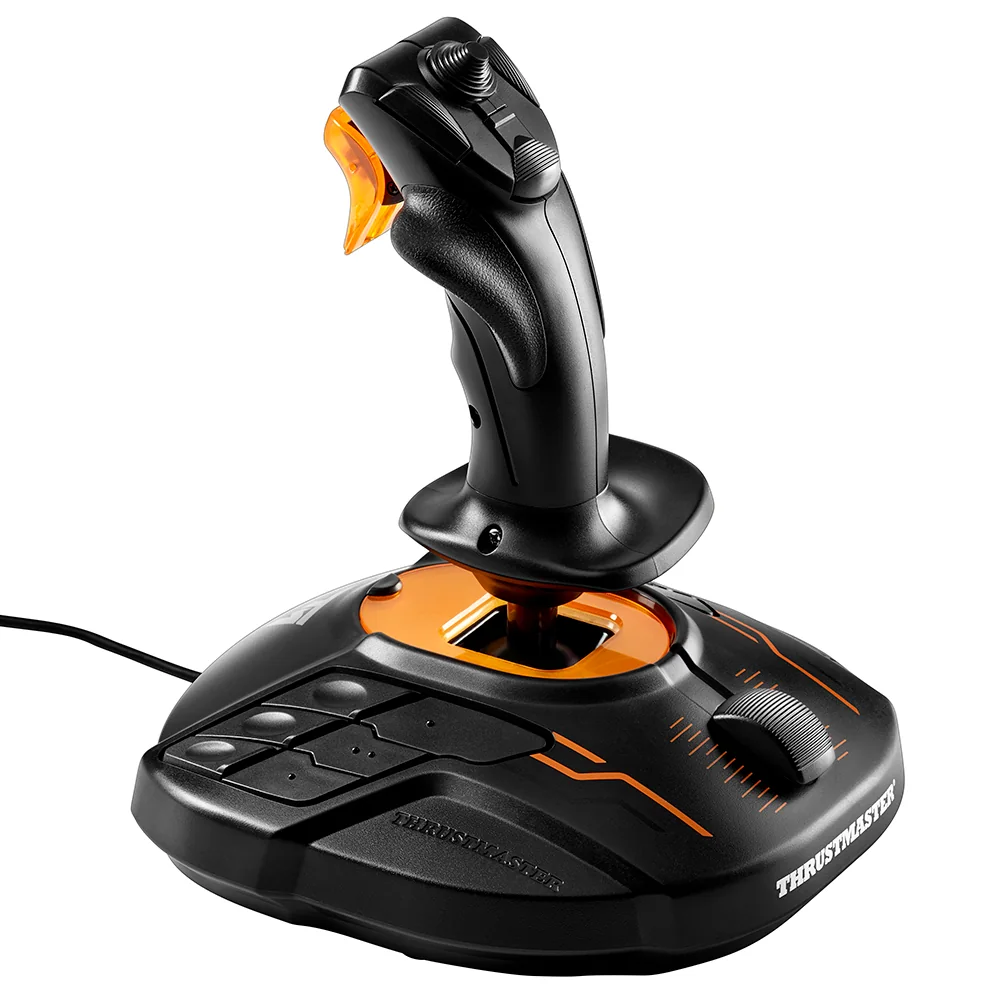
The headset replaces the monitor, not the flight controls. A HOTAS, a flight stick, a yoke, rudder pedals or a throttle quadrant all plug into the PC and work as usual in VR. Bigscreen, which ships the Beyond 2 without VR controllers, notes that flight sims can be played with a HOTAS alone.
The catch is that you can no longer see your hands. Every control you reach for has to be found by feel, so the gear that works best in VR is the gear that keeps your hands in place:
- A HOTAS puts the main functions under your fingers on the stick and throttle grips, so you can fly a whole approach without letting go. Our guide to HOTAS explains the layout.
- Throttle levers with detents tell you by feel where idle, climb or takeoff power sits. Our throttle quadrant rankings list which models state detents.
- Rudder pedals take yaw and toe brakes off your hands entirely, which matters even more when you cannot glance down. See do you need rudder pedals.
- A flight sim cockpit keeps every control at the same place every flight, so your hands learn where things are.
Which headset fits which pilot
There is no single best headset for every pilot, but the specs point to clear profiles. For the sharpest panel on a strong PC, the wired micro-OLED and high-PPD Pimax headsets lead our ranking of VR headsets for flight sim. For low weight on long flights, the Bigscreen Beyond 2 and 2e stand apart, provided you add SteamVR base stations. For a first headset without a cable, the Meta Quest 3 and 3S cost the least, and our budget VR headset ranking orders the models under $700.
Every headset in this guide is in our VR headset catalog, with filters by type and budget, a sortable table and a review page for each model. Prices change often in this category, and some models are on sale or sold through a waitlist: check the price at the merchant before you buy.
Figures from official manufacturer spec sheets and US prices checked on October 29, 2026. Product images: manufacturers. Not a hands-on test: see our methodology.
Our selection
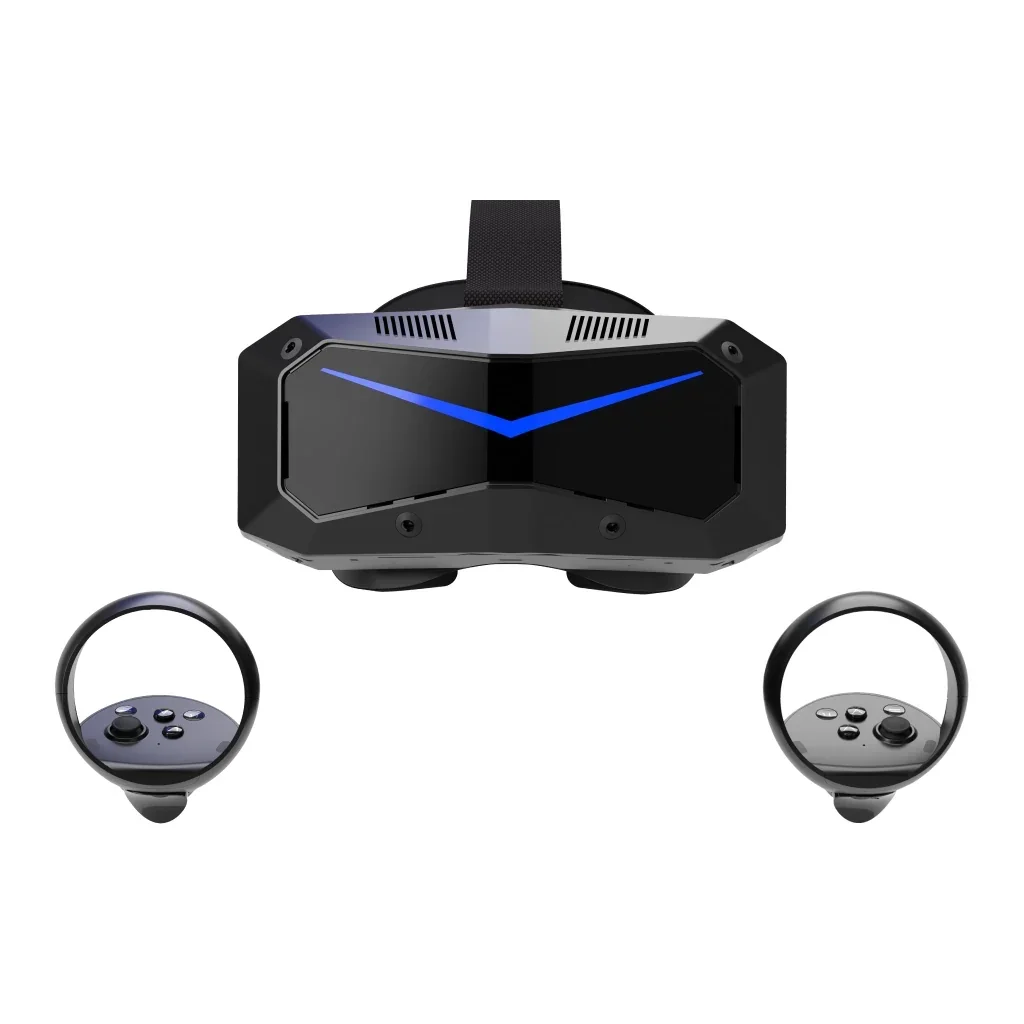
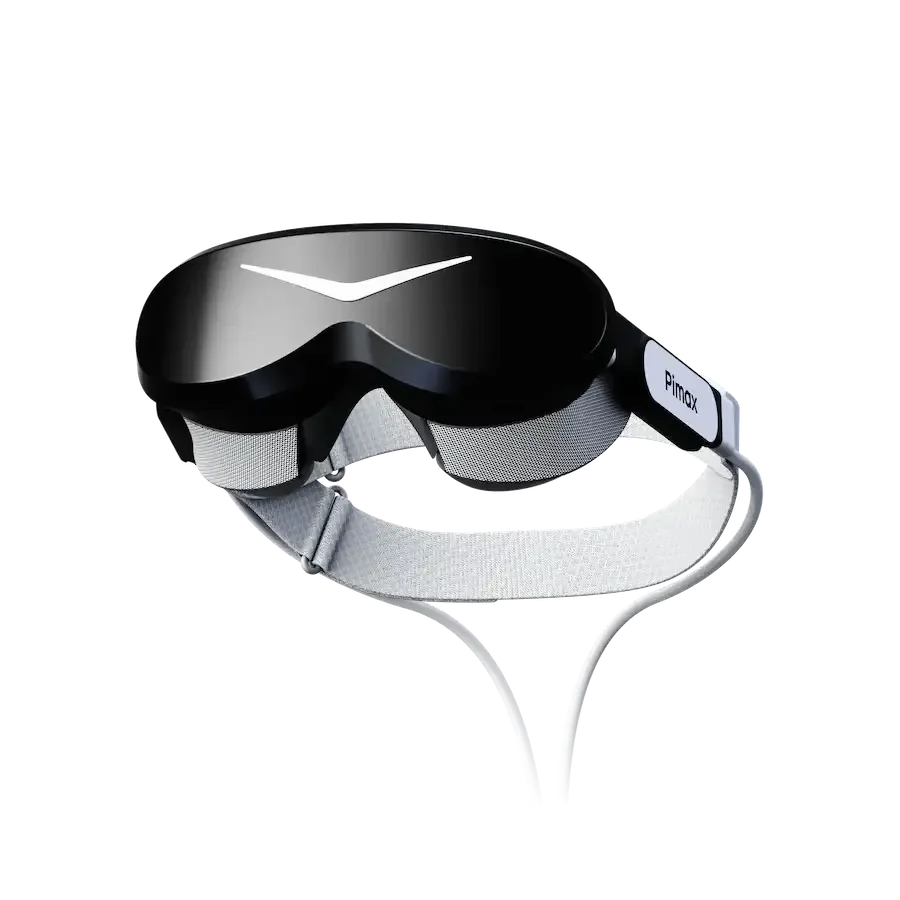
Three rated products mentioned in this guide, at checked prices.
Frequently asked questions
What is a good PPD for reading cockpit instruments?
There is no official threshold. In our selection, stated values range from 20 PPD (Meta Quest 3S) to 57 PPD (Pimax Crystal Super with the 57 PPD engine). The higher the figure, the less you need to lean in to read small gauges and labels.
Is a standalone headset good enough for flight sim?
It works: the Meta Quest 3 and 3S play PC VR through a Link cable or Air Link, according to Meta. The image is compressed on the way, so fine cockpit text can be softer than on a DisplayPort headset.
Do I need VR controllers to fly in VR?
Not always. Your HOTAS, yoke and pedals work as usual, and Bigscreen notes that flight sims can be played with a HOTAS and no VR controllers. Controllers or hand tracking help to click cockpit switches.
Do I need base stations?
Only with Lighthouse tracking: the Bigscreen Beyond 2 and 2e and the Valve Index need SteamVR base stations, sold separately. The other headsets in our selection track themselves with built-in cameras.
Did you test these headsets?
No. This guide and our scores rely on the official spec sheets and dated US prices, not on hands-on tests.