Flight sim setup on a budget: what to buy first
You do not need a home cockpit to enjoy Microsoft Flight Simulator 2024, X-Plane 12 or DCS World. A good main control on a desk already changes everything compared with a gamepad or a keyboard. This guide explains what to buy first, what can wait, and how far each budget goes, using US prices checked on October 29, 2026.
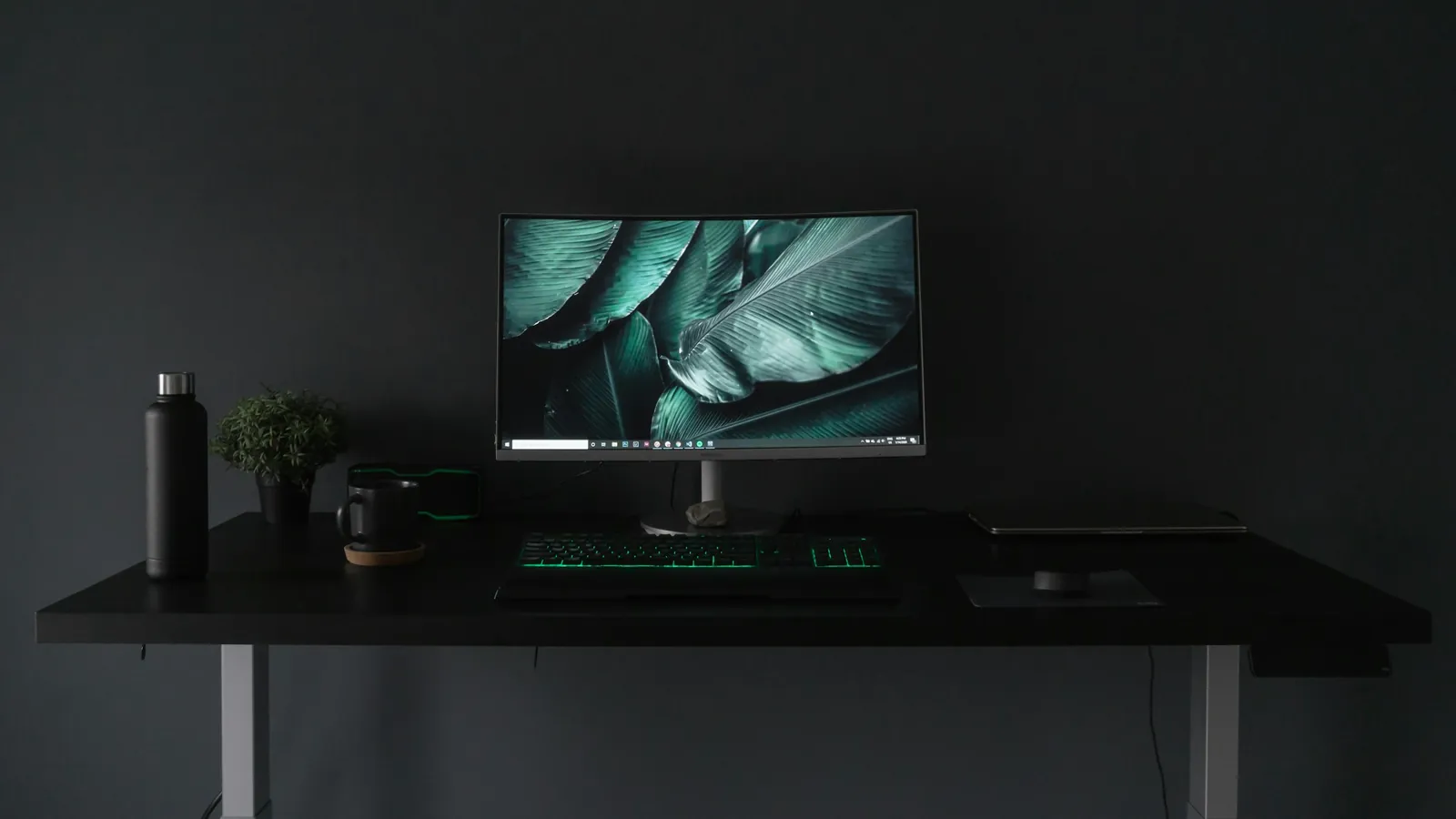
Photo: Fernando Hernandez / Unsplash
Step 1: pick the main control for what you fly
The main control is the piece you touch all the time, so it deserves most of the budget. Fighters, helicopters and space ships call for a stick; airliners and light aircraft feel natural with a yoke, or a sidestick for Airbus types. Our yoke vs joystick guide explains the difference in detail.
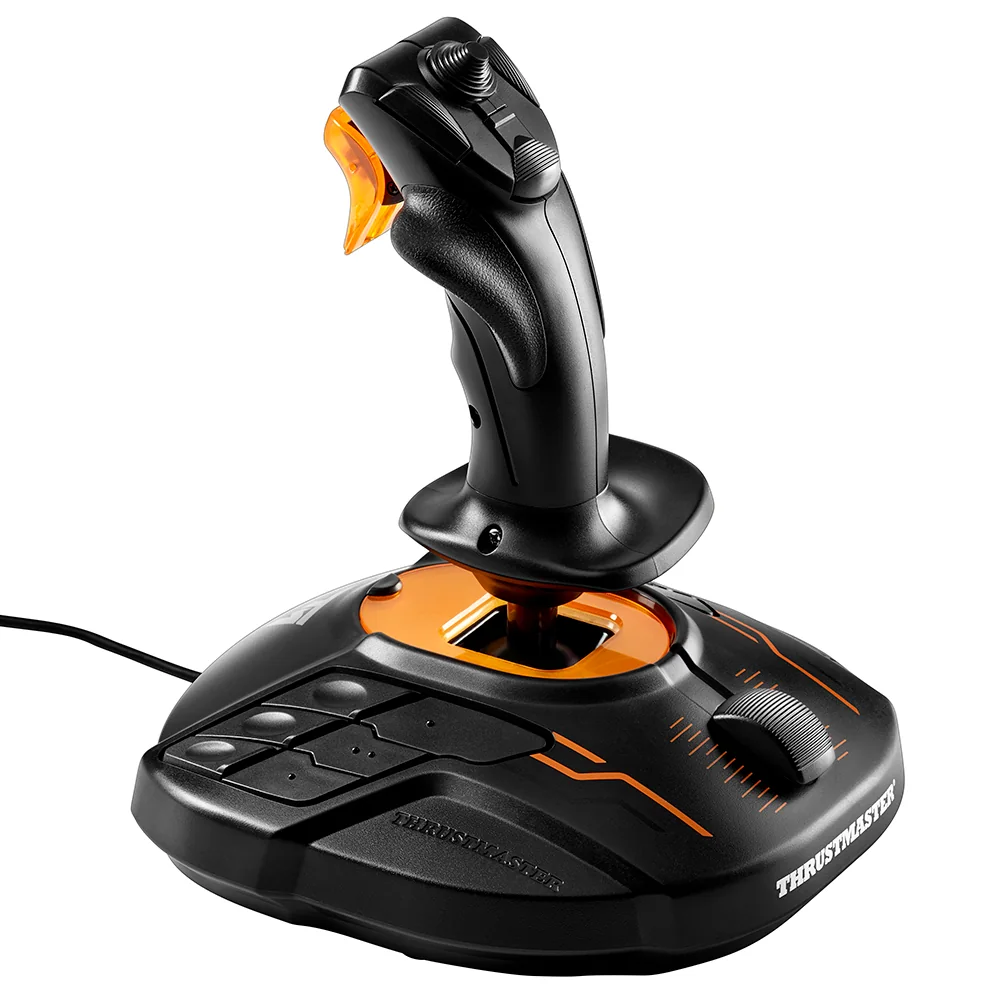
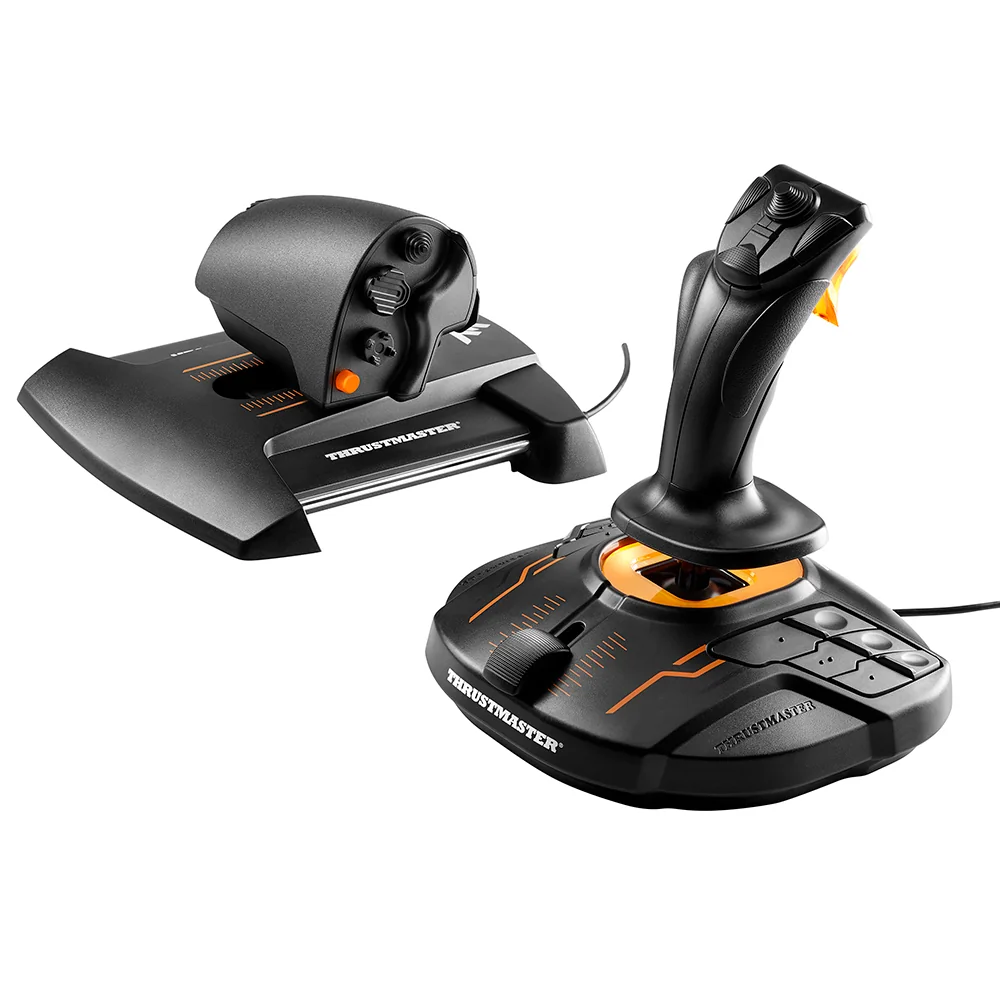
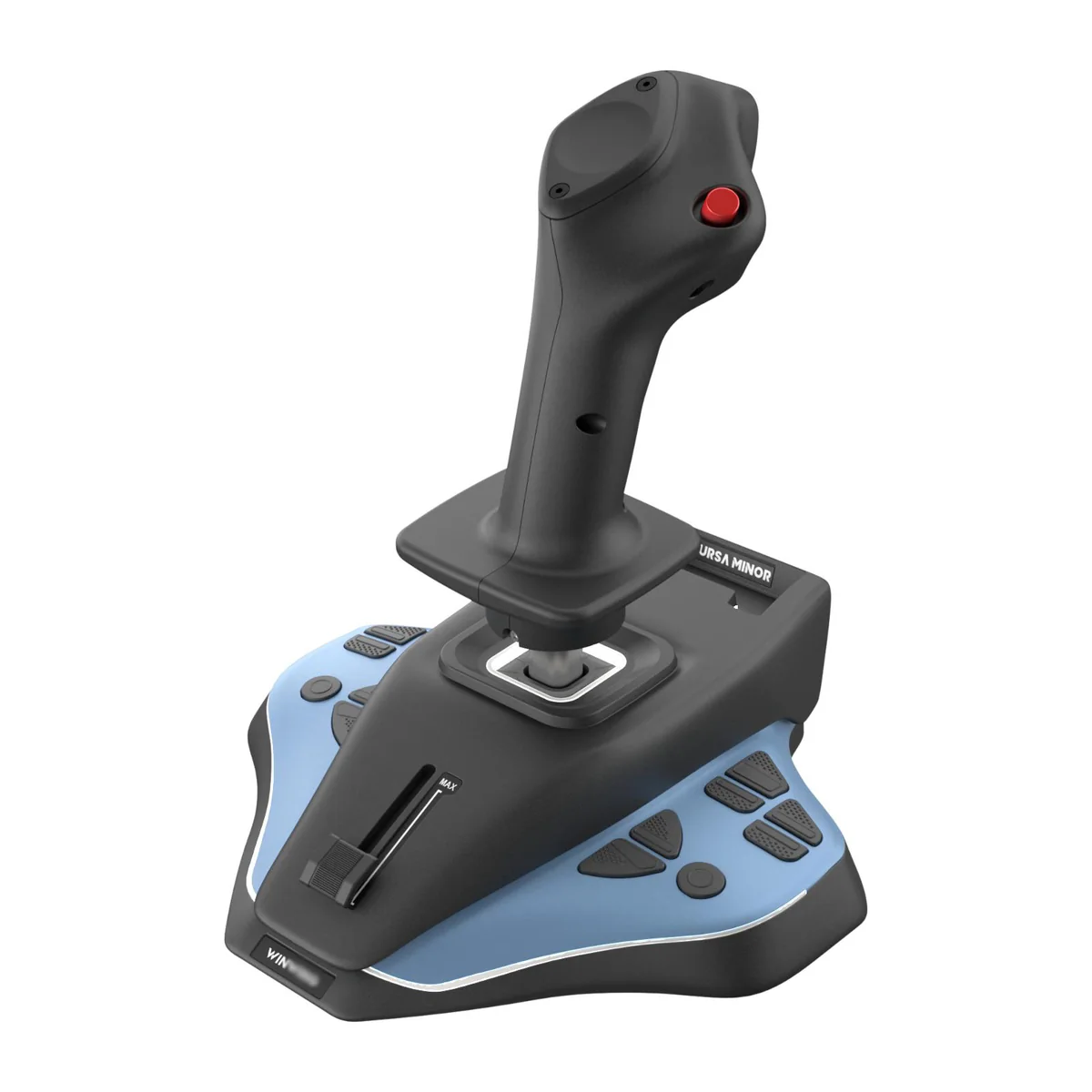
On a tight budget, a stick is the most flexible choice. The Thrustmaster T.16000M FCS costs $79.99 and Thrustmaster states Hall effect sensors with 16-bit resolution on pitch and roll. The WINCTRL URSA MINOR Airline Joystick costs $68.70 and states contactless magnetic sensors on its X and Y axes. The Logitech Extreme 3D Pro costs $34.99 with a twist grip and 12 buttons.
Step 2: add throttle control
A stick on its own controls power with a small slider. That works for a start, but a real throttle makes takeoffs, approaches and formation flying much easier. You have two routes: buy a HOTAS set from the beginning, or add a throttle quadrant later.
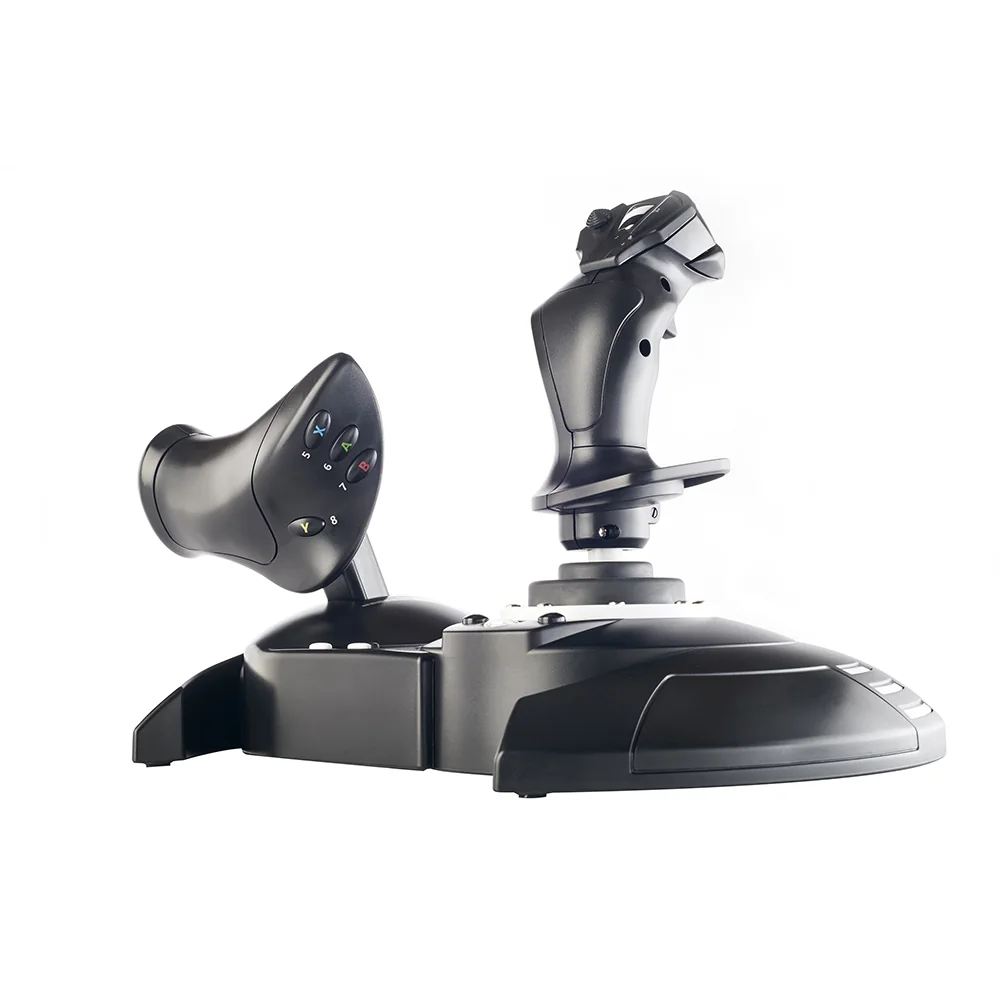
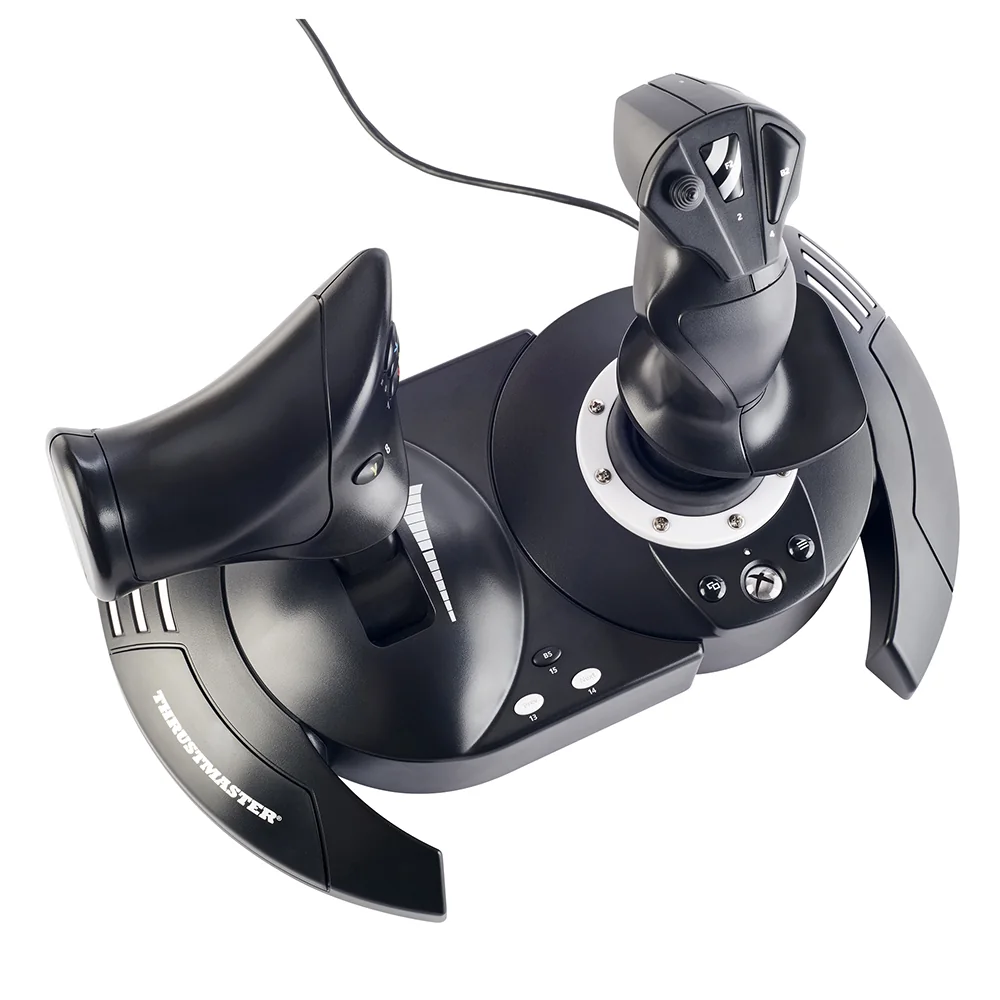
- Thrustmaster T.Flight Hotas One: $99.99, Xbox and PC, detachable throttle.
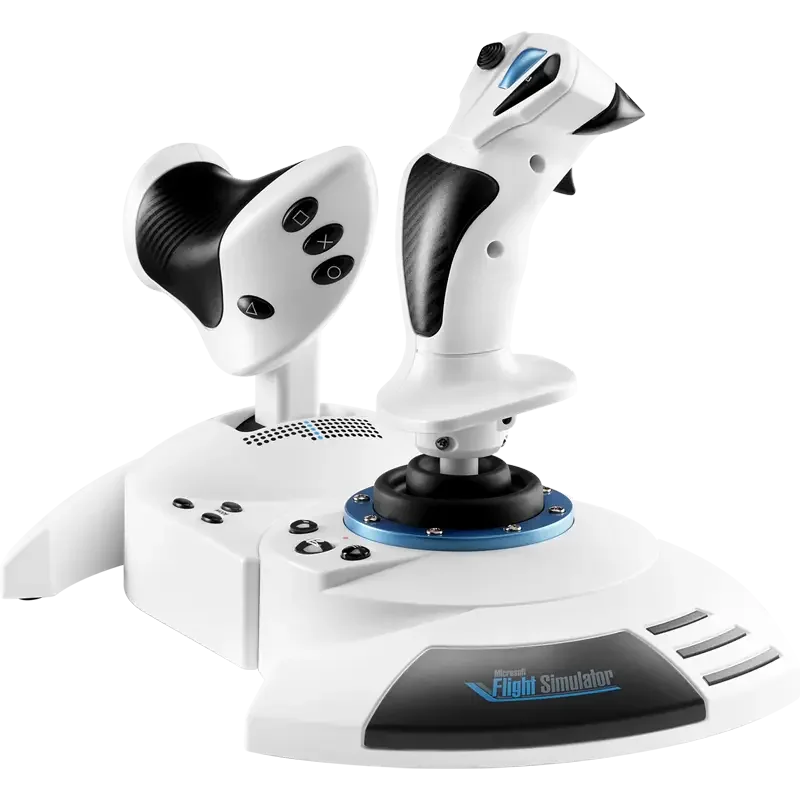
- Thrustmaster T.Flight Hotas 5 MSFS Edition: $109.99, PS5, PS4 and PC.
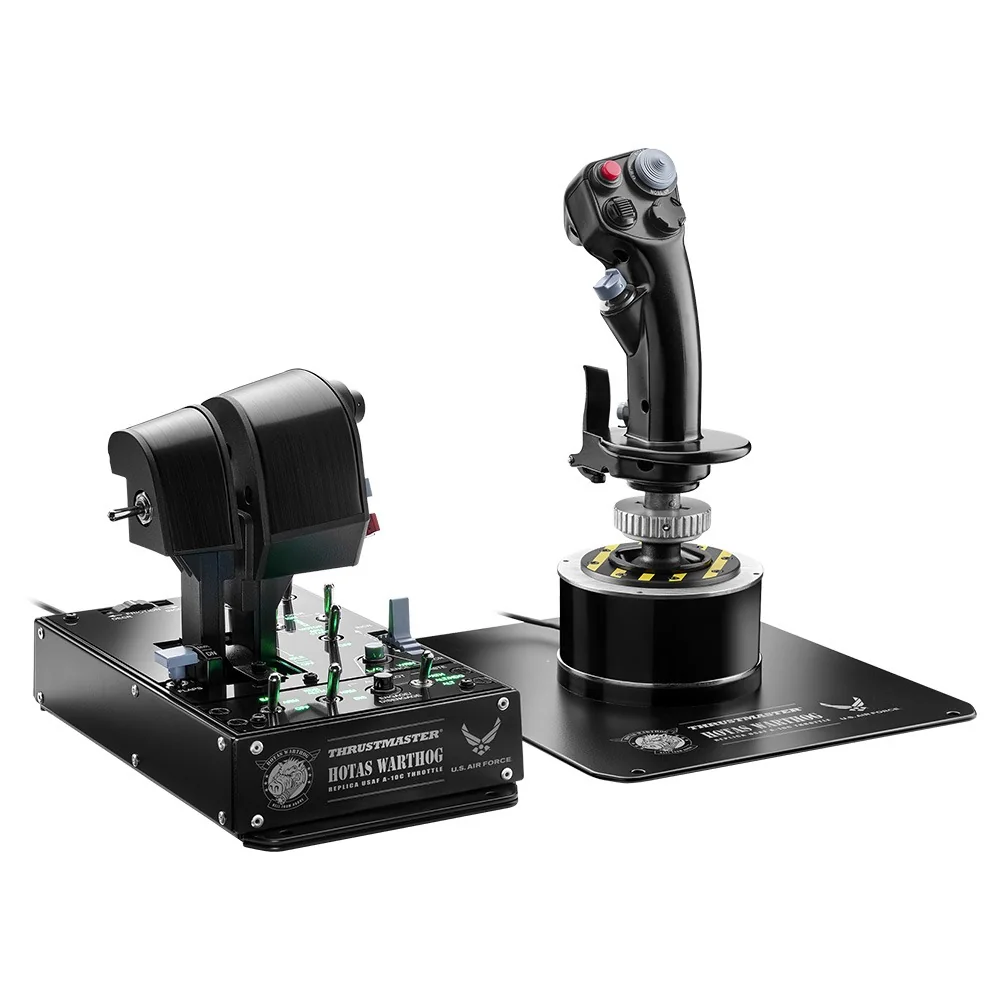
- Thrustmaster T.16000M FCS HOTAS: $169.99, PC, the T.16000M FCS stick plus the TWCS throttle.
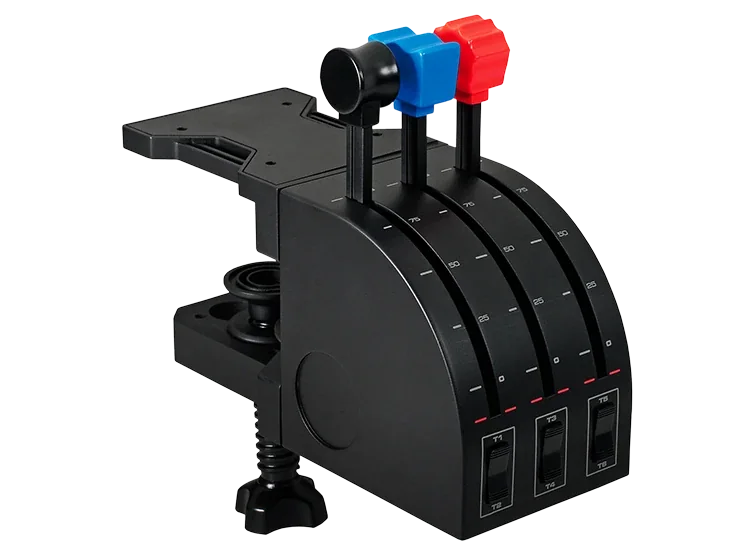
- Logitech Flight Throttle Quadrant: $69.99, three levers, to add next to a stick or a yoke.
Step 3: rudder pedals, when the budget allows
Rudder pedals are the most common second purchase. They free the twist axis of your stick, add differential toe brakes for taxiing and make crosswind landings and helicopter flying more natural. They are not required to start: our rudder pedals guide explains when they make a difference.
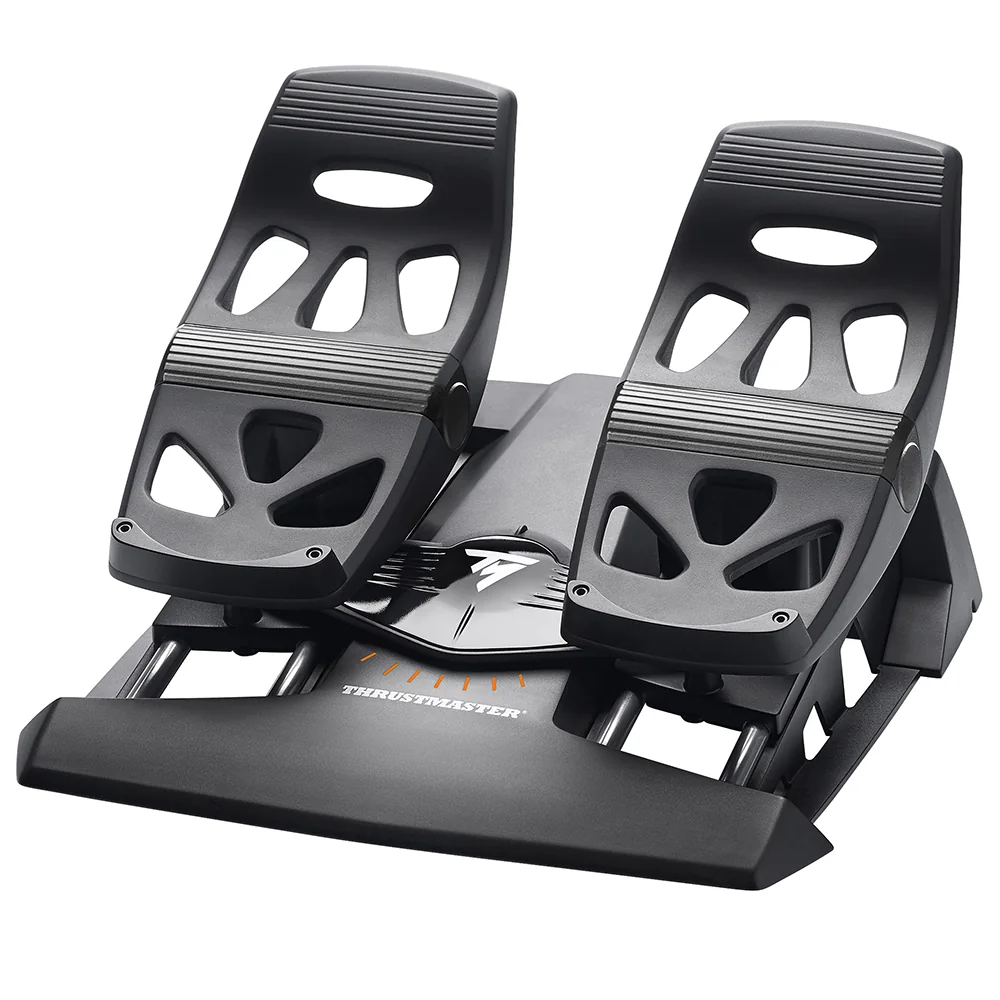
The cheapest pedals in our data are the Thrustmaster T.Flight Rudder Pedals (TFRP) at $129.99, with differential toe brakes. Thrustmaster says they plug straight into the TWCS throttle of the T.16000M FCS HOTAS, which saves a USB port.
What each budget buys
The table below shows example combinations built from our catalog at checked prices. Our flight sim setup builder calculates the highest-rated combination for each style and budget automatically.
| Budget | Example setup | Total at checked prices |
|---|---|---|
| Under $100 | Thrustmaster T.16000M FCS stick | $79.99 |
| Under $200 | Thrustmaster T.16000M FCS HOTAS | $169.99 |
| Around $300 | T.16000M FCS HOTAS + T.Flight Rudder Pedals | $299.98 |
| Around $310 | Logitech Flight Yoke System + T.Flight Rudder Pedals | $309.98 |
Prices change often, and stock does too: several products in our data were listed as out of stock at the official store on the day we checked. The price at the merchant when you buy is the one that applies.
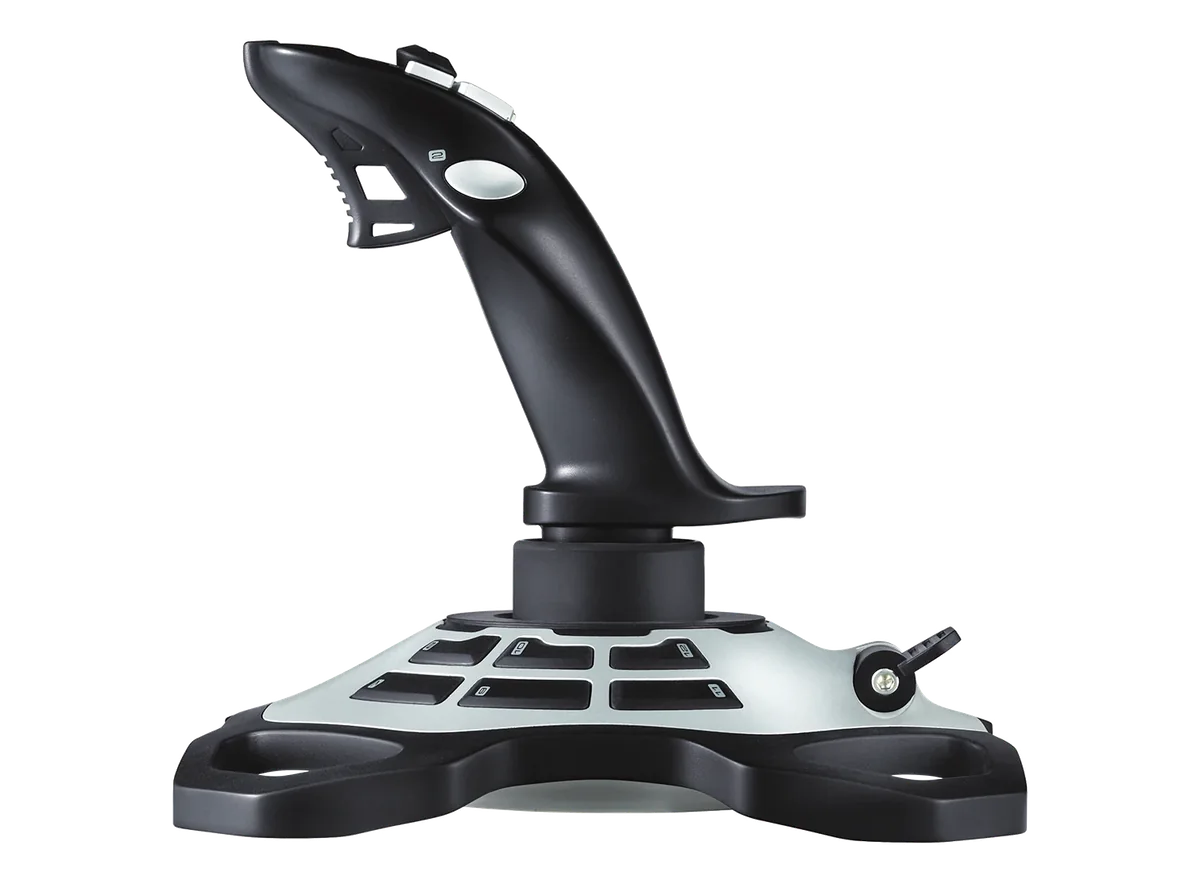
Logitech Extreme 3D ProSee the review
What can wait
- A cockpit: a sturdy desk is enough for a stick, a HOTAS or a clamped yoke. Cockpits in our data start at $699.
- Extra panels: switch panels and autopilot panels are fun but optional; keyboard shortcuts cover the same functions.
- High-end modular sticks: they make sense once you know which aircraft you fly most.
- Head tracking and extra screens: worth considering later, once the controls are sorted.
Spend smart: three rules
- Buy the main control for the aircraft you fly most, not for the one you might fly someday.
- Prefer contactless sensors when the price gap is small: they keep a clean center for longer.
- Compare complete setups, not single products: a cheap yoke plus a throttle quadrant can cost more than a yoke with levers included.
You will find every product in our comparison table and the top-rated beginner controls in our beginner flight sim setup ranking.
Desk setup tips that cost nothing
How you place the controls matters as much as what you buy. A stick placed too far forward tires the wrist; a throttle too close to the keyboard gets bumped. A few minutes of adjustment make long flights far more comfortable.
- Put the stick in line with your shoulder, close enough that your forearm rests on the desk.
- Keep the throttle at the same height as the stick, on the other side of the keyboard.
- Clear the area in front of a clamped yoke so its shaft can move through its full travel.
- Place pedals where your chair cannot roll away from them.
Once the controls are in place, calibrate them in the sim and save a profile. Our comparison tool helps if you hesitate between two models in the same category.
Figures from official manufacturer spec sheets and US prices checked on October 29, 2026. Product images: manufacturers. Not a hands-on test: see our methodology.
Our selection
Three rated products mentioned in this guide, at checked prices.
Frequently asked questions
How much does a flight sim setup cost?
In our data, a stick with contactless sensors starts at $79.99, a HOTAS set at $99.99 and a yoke with throttle levers at $179.99. A stick, throttle and pedals setup starts around $300 at prices checked on October 29, 2026.
What should I buy first for flight sim?
The main control for the aircraft you fly most: a stick or HOTAS for fighters, helicopters and space, a yoke for light aircraft and Boeing airliners.
Is a HOTAS worth it for a beginner?
Often yes: the HOTAS version of a stick adds a real throttle for a moderate price difference, and it covers every type of aircraft.
Do I need a cockpit to start?
No. A stick, a HOTAS or a clamped yoke works on a sturdy desk. A cockpit makes sense when you add pedals and want everything in a fixed position.